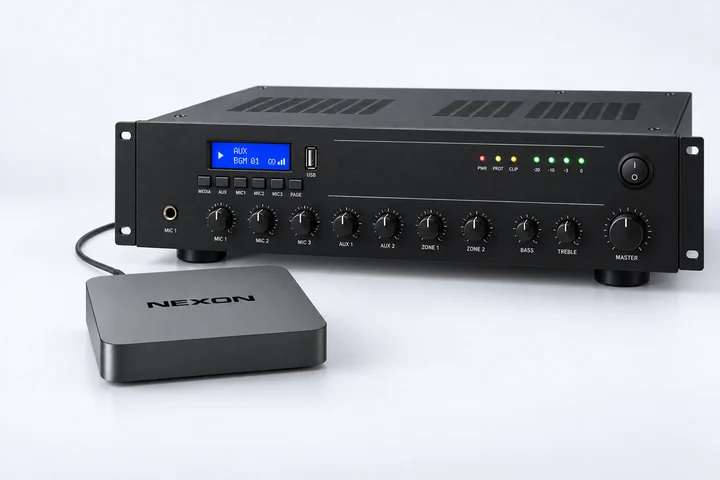
PLAYER SETUP

Simple setup in just a few minutes

Setting up your digital screen is easier than ever. In three simple steps, choose your hardware, add the player and start your content.

02

Add your player

Link the installed player to your NEXON Vision account using its 9-digit code.

01

Open Screens in CMS

Sign in to NEXON Vision and open the Screens section.

02

Add a screen

Click Add screen and enter the 9-digit code shown by the player or printed on its sticker.

03

Name the player

Give it a clear name, confirm and the player will appear in your account.

Open NEXON Vision CMS
03

Add and start your content

Prepare what you want to show and send it to the player. Playback starts automatically.

01

Add content

Upload video, images or audio, add a web page, or create content in NEXON Vision.

02

Create a channel or playlist

Arrange the items in the desired order and set a schedule if needed.

03

Assign it to the screen

Select the screen and assign the channel or playlist. The player will download and start it automatically.

Not sure which option fits?

Send us the exact TV or player model. We will confirm compatibility and the shortest installation path.