Video, images, and audio
Upload common file formats for horizontal and vertical screens. The system prepares media for stable playback on the player.
A unified system for managing advertising, menus, videos, and informational messages on a single screen or across a network of locations.
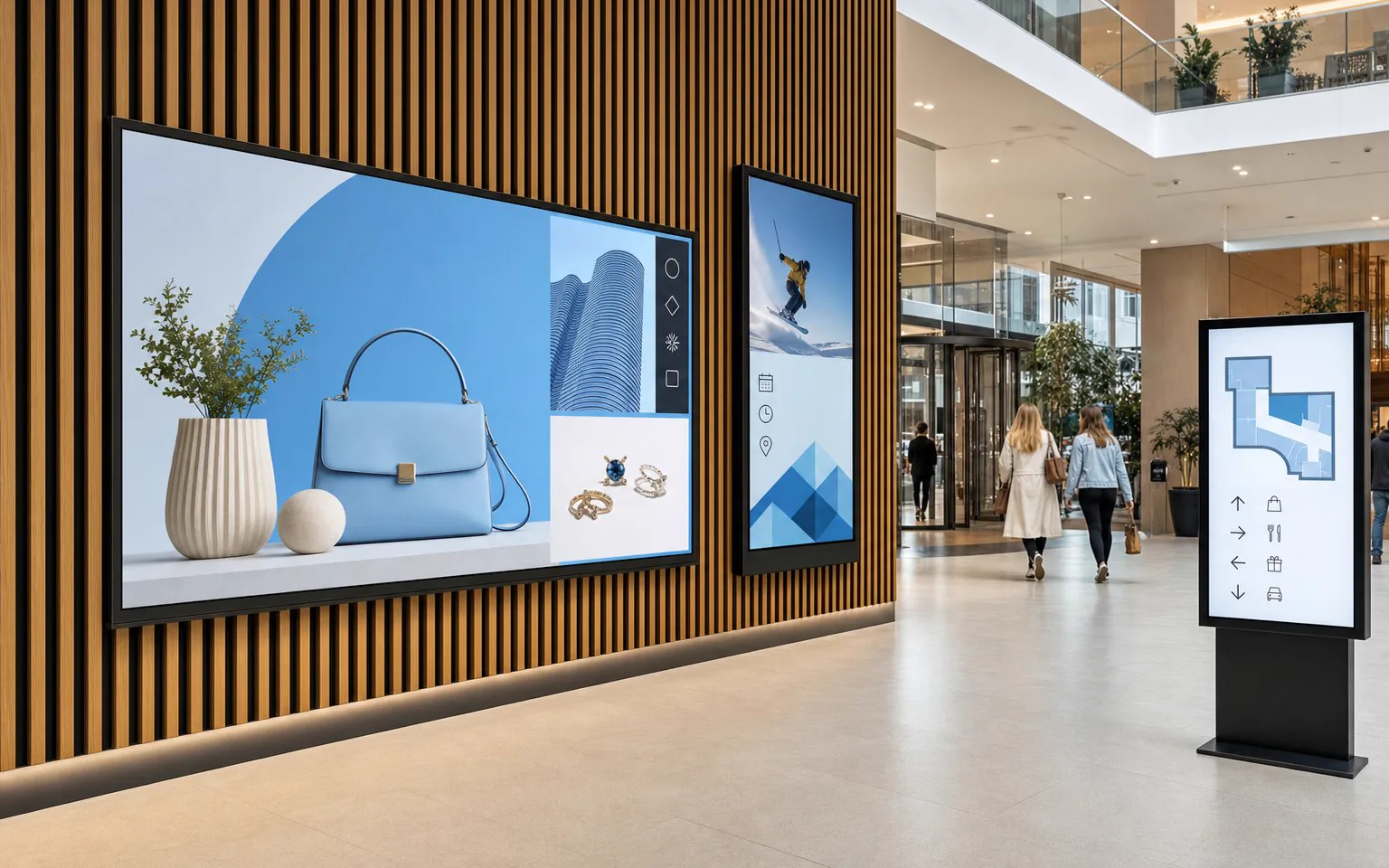
NEXON Vision brings files, online sources, playlists, screens, and locations together in one dashboard. Content can be assigned to one device, a specific group, or the entire network without manually copying files to USB drives.
Upload common file formats for horizontal and vertical screens. The system prepares media for stable playback on the player.
Sites, dashboards, spreadsheets, exchange rates, schedules, and other online sources can be displayed without preparing a separate video.
Add YouTube videos, online radio, audio streams, TV channels, and video streams as separate content or as part of a playlist.
Combine the main video with menus, news, weather, a QR code, or a service message in a single layout.
Interrupt the main playlist with a promo, announcement, or service message at a set frequency, queue, or scenario.
For locations in Ukraine, the system automatically plays the designated content at the start of an alert and returns to the regular scenario after the all-clear.
Learn more about alertsCRM or another client system can manage content, launch the required video or playlist, and change the scenario based on an event.
Structure devices by cities, locations, and groups while maintaining centralized content management.
Combine the schedule, external team, and priority messages for advertising, navigation, internal communications, and displays.
Screens in lifts. In hotel lifts, screens behind protective glass can show events, announcements and restaurant, spa or other service offers. Content is updated remotely from the same dashboard.
From a shelf display to a video wall. Small screens beside products, large TVs behind checkouts, portrait window displays and synchronized 2×2, 3×2 or 4×4 video walls — choose the format for your space and audience. Examples for stores and supermarkets
Material can appear automatically based on date, day of the week, and time of day. This way, the morning menu changes to the daytime one, and a seasonal promotion ends without manual intervention.

Synchronous playback is needed for video walls, multi-monitor menus, and installations where transitions between materials need to occur simultaneously.

Prepare the material independently using a ready-made template or describe the task to the assistant. After that, assign the result to the screen and add it to the schedule in the same workflow.
Create a layout of the required format in Canva, change the text, photo, video, or audio, and return the finished material to the NEXON Vision library.
Vision AI helps create and edit images, video compositions, and text-to-speech, as well as explains settings and helps check the launch.
Add background music, advertising and informational inserts, air raid alerts, and custom announcements according to schedule or via API. Manage channels and volume; the player can be connected to any sound system.
Learn more about alertsAfter synchronization, the playlist and files are stored on the media player. Internet is required for updates and remote management, but its loss should not interrupt local playback.
The device stores content and the playlist in its own memory and continues playback without time limitation. When the connection is restored, it receives updates.
For YouTube, broadcasts, or a web page, you can set a local backup playlist that will automatically continue playback without the internet.
The player does not stop local content during a disconnection. When the network is restored, it reconnects, synchronizes changes, and provides diagnostics.
Depending on the equipment and configuration, the system uses the internet, built-in RTC, or a verified leader device on the local network.
The player stores display rules and reference time, so scheduled changes continue even when the management dashboard is closed.
On compatible equipment, HDMI CEC allows the media player to turn the screen on and off according to the work schedule. NEXON Player
Content and schedules can be changed from a computer, tablet, or smartphone. To check the network, it is not necessary to physically go to the television at each location.

Run your own and partner campaigns and collect data for advertiser reporting.
Record which video played, on which player and when. Use playback history to check advertising campaigns.
Compare playback with the power status reported by the TV through HDMI-CEC. This is an additional screen-on check, not optical verification of the picture.
An optional integration can estimate footfall from Wi-Fi / Bluetooth signals. Detected devices are an indicator, not an exact count of people or views; configuration takes privacy requirements into account.
A TV or professional display and a compatible Android device are required to launch. You can use NEXON Player, Android TV, Google TV, or another compatible media player.
Connect the media player to the TV via HDMI, connect power and the internet.
Upload materials, create a playlist, and assign a schedule for the desired location.
Update campaigns, check screens, and connect new locations from one dashboard.
Create an account yourself and start setup, or call if you need help selecting equipment.