No setup required
NEXON Vision, automatic startup, recovery and settings for continuous operation are configured before delivery.
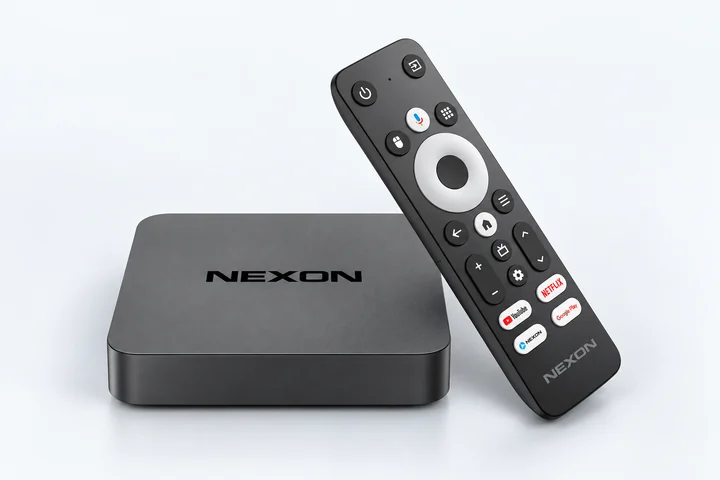
Ready-to-use hardware configured for reliable NEXON Vision operation on any TV, monitor or other display
NEXON Vision is built into the player’s firmware and starts automatically when you turn it on. There is no need to install the app or configure Android
Connect the player to your TV or monitor via HDMI and plug the supplied power adapter into a wall outlet. Turn on the devices and select the matching HDMI input on your TV.
Connect the player to the internet using Ethernet or Wi-Fi.
Once connected to the internet, a pairing code will automatically appear on the screen.
Create an account or sign in. Go to Screens → Add screen and enter the code displayed on your TV.
Don’t have a player yet? Choose a NEXON Player
NEXON Vision, automatic startup, recovery and settings for continuous operation are configured before delivery.
Connect TVs, monitors, professional displays and audio systems through HDMI or AV with AUX / RCA.
Compatible TVs can turn on before working hours and switch off automatically outside the schedule.
NEXON Player is the practical everyday model. NEXON Player Pro adds more performance and an RTC clock for precise scheduled playback.
Turn off the settings that can stop the player or TV during continuous playback.
Use the supplied power adapter and a permanent power source.
On the TV, turn off Energy Saving, automatic power-off and “No signal power off”.
If available, enable automatic power-on after a power outage and verify the HDMI input is restored.
After setup, restart the TV and verify that NEXON Vision starts again and continues playback after 10–15 minutes without using the remote.