Cloud digital signage platform
One platform.Every screen.
Cloud control for your screens, content and audio.
Install NEXON Vision on a TV with Android TV or Google TV. Or connect an Android box to any TV
No credit card required · Set up in minutes
Cloud digital signage platform
Cloud control for your screens, content and audio.
Install NEXON Vision on a TV with Android TV or Google TV. Or connect an Android box to any TV
No credit card required · Set up in minutes
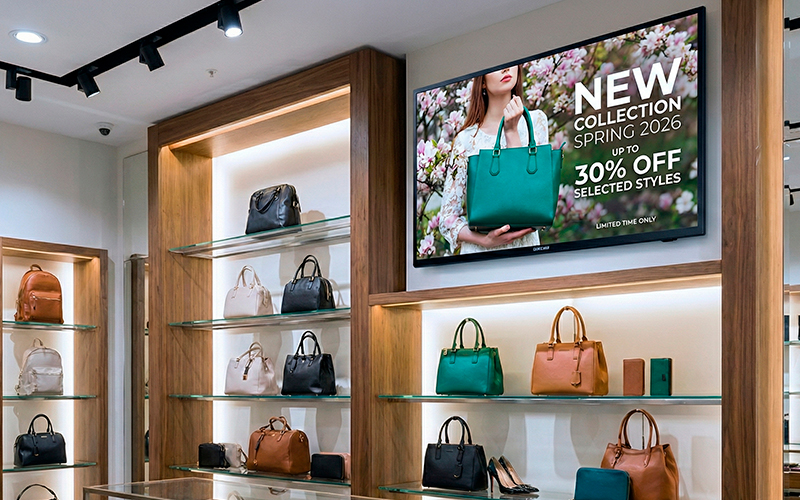
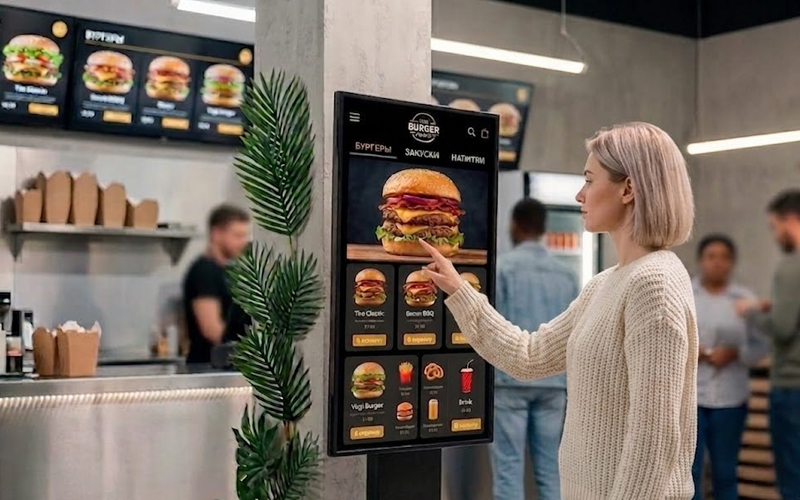
NEXON Vision is a cloud-based content management system that allows you to broadcast video, audio, graphics, and other content on any screens, play background audio with promotional and informational inserts, and manage interactive hotel TVs. Manage screens remotely, schedule content, and get real-time analytics. It is a reliable and secure system at the most competitive price on the market.
Learn MoreUse a compatible Android TV or Google TV. Or connect an Android box to a TV or monitor
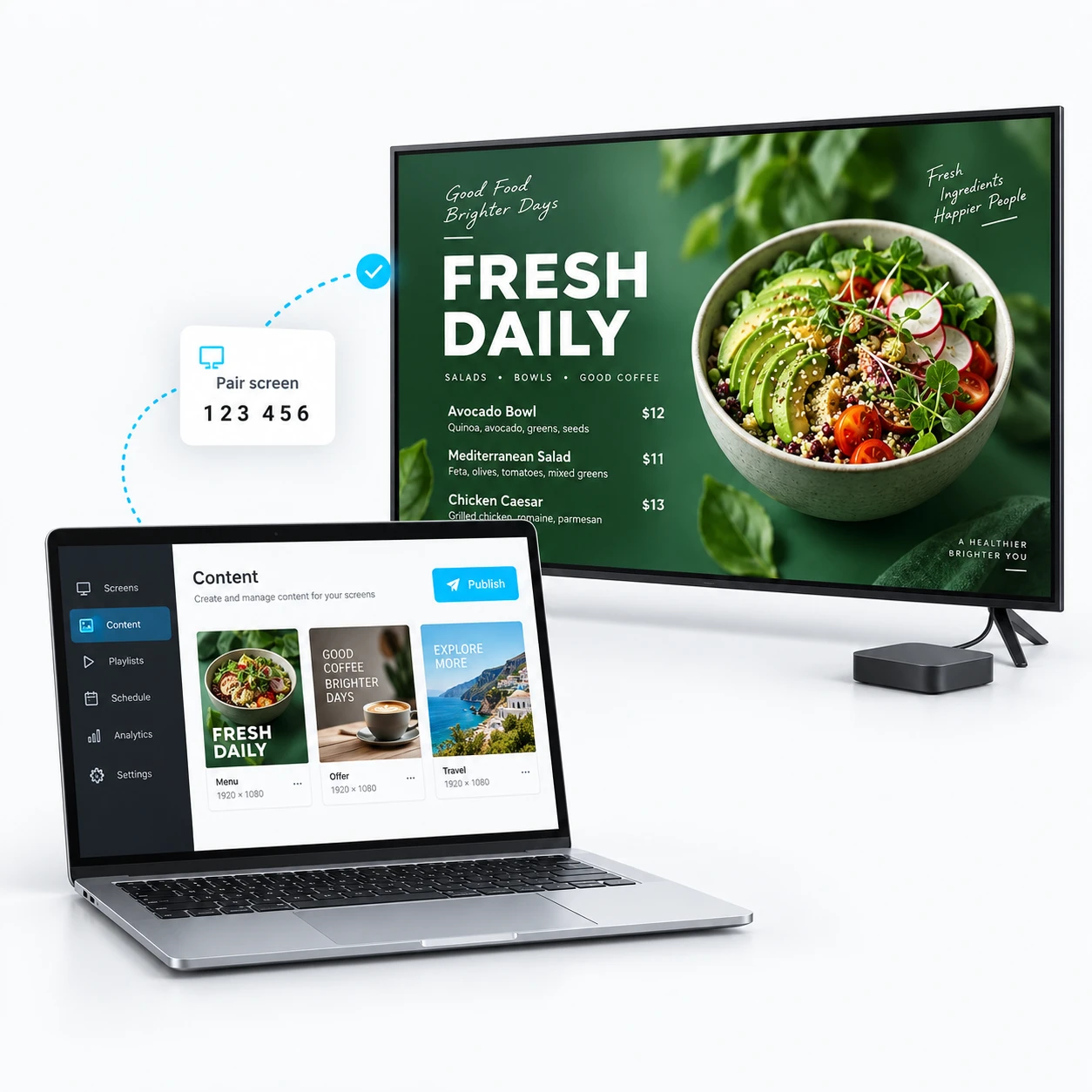
Connect your device to the internet, then install and open NEXON Vision. A pairing code will appear on the screen
Create an account or sign in to your dashboard. Click “Add screen” and enter the code shown on your TV
Add videos or images and assign them to your connected screen. Then update your content remotely from one dashboard
Content plays perfectly synced down to 0.01 seconds, which is crucial for multi-screen setups
Thanks to the built-in VLC player, NEXON Vision plays all popular video, audio, and image formats
Set up broadcast schedules by dates, days of the week, and times for each screen, playlist, or individual file
Specify the exact time or number of impressions: once an hour or 100 times a week. It works exactly how you need it to.
Backup playlists, auto-start, auto-updates, and offline playback ensure uninterrupted operation.
Monitor screen statuses in real-time, get broadcast screenshots, and access detailed analytics on devices and content.
NEXON Vision works worldwide over the internet. Install the app on an Android TV / Google TV television or a single Android TV box bought locally.
Compatible hardware