1. Connect the Device
Connect the media player to your screen using an HDMI cable and plug it into a power outlet. Connect the device to the internet via Wi-Fi or a LAN cable.
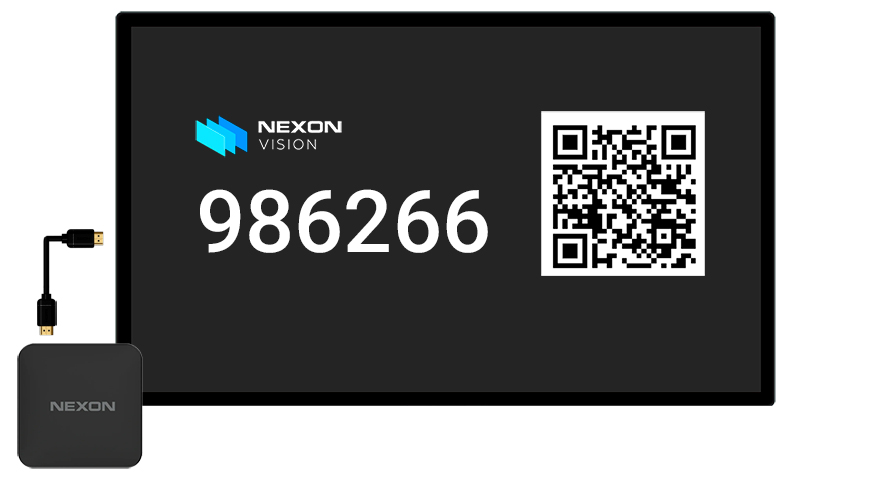
Connect the media player to your screen using an HDMI cable and plug it into a power outlet. Connect the device to the internet via Wi-Fi or a LAN cable.
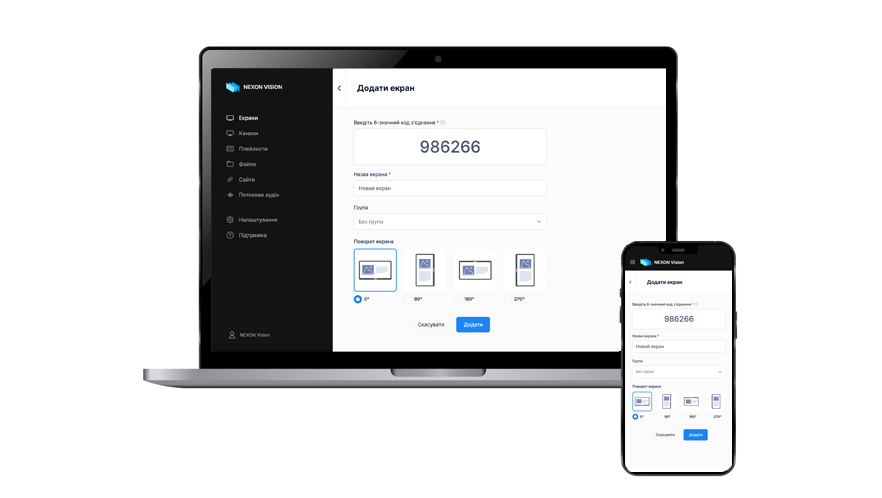
Add the new device to your NEXON Vision account by entering the code that appears on the screen during the first boot. That is it! The screen is connected and ready to play content.
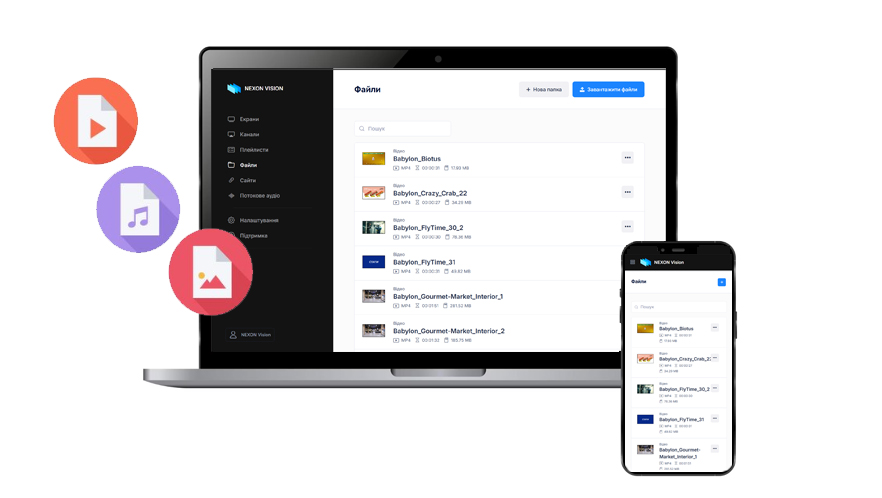
Upload videos, audio files, and images of any format to your account and create a playlist. In addition to files, you can add websites, information boards, audio streams, and other elements to your playlists.
Flexibly plan your content playback schedule by periods, days of the week, and time intervals. If needed, create priority ad blocks and adjust the display according to your media plan.
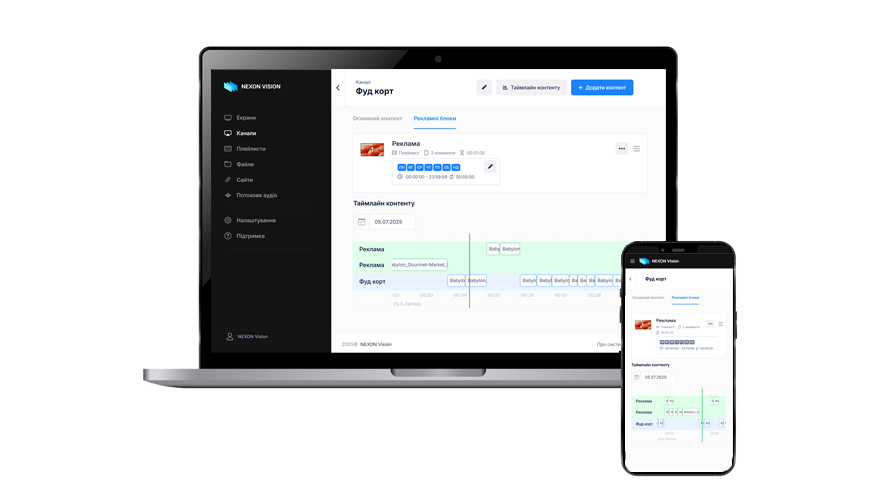
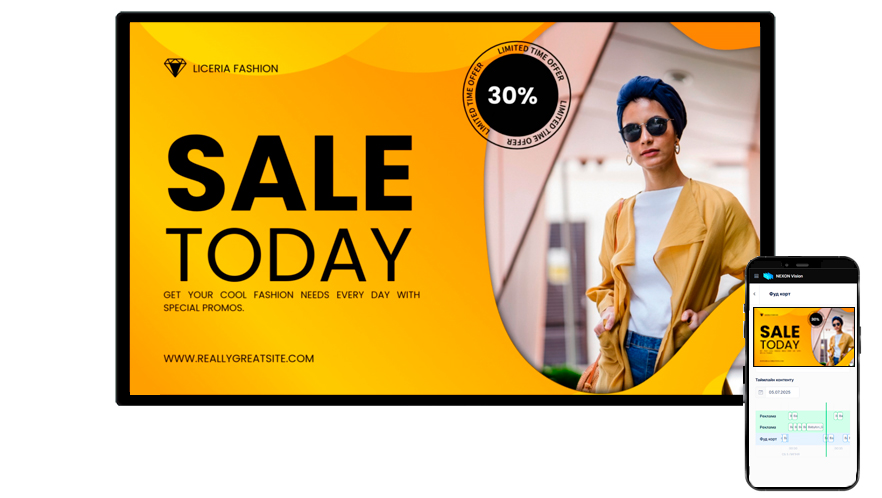
Files are downloaded to the media player, which plays the content on the screen according to the schedule settings. You can manage and change your content at any time from any device with internet access!